
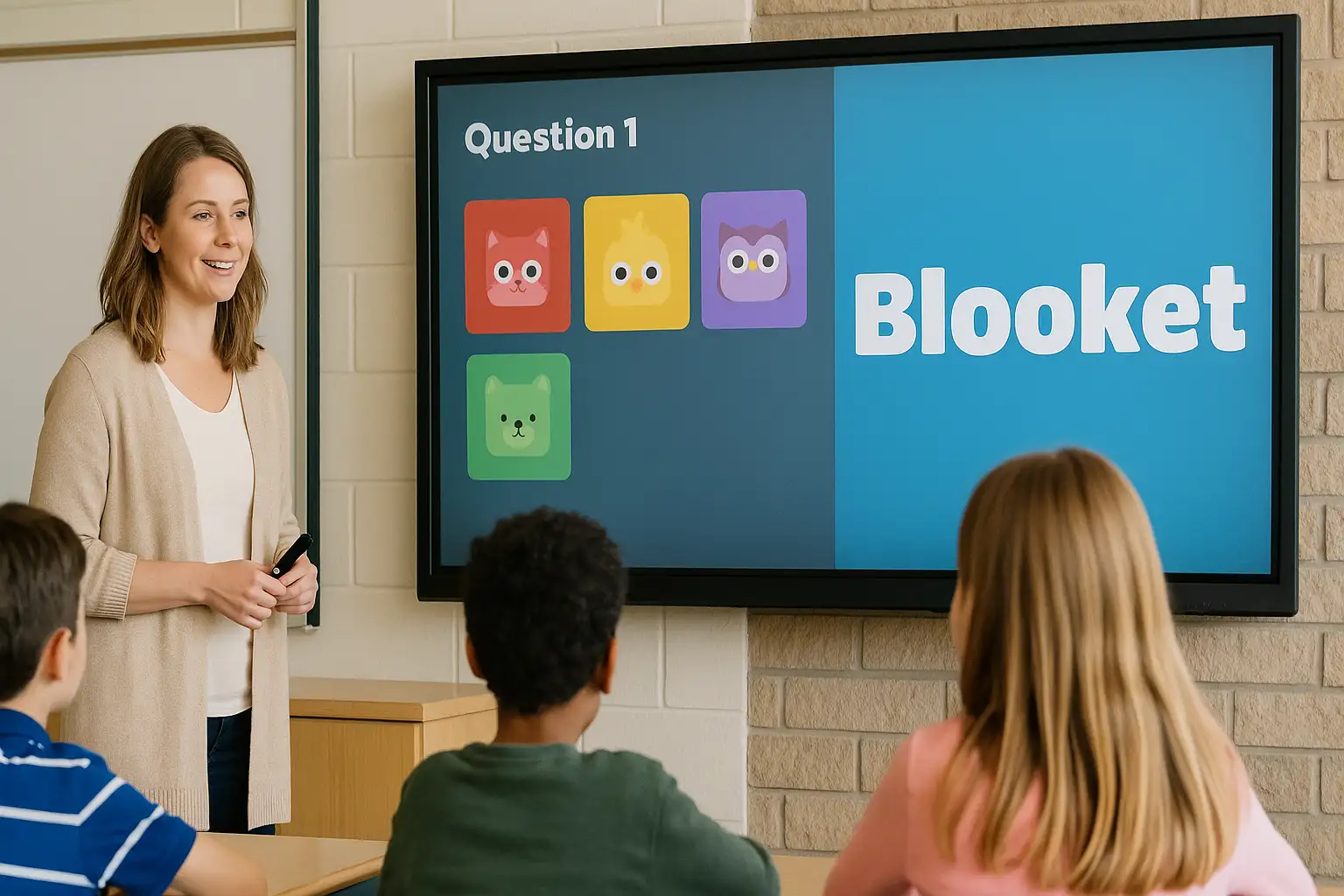
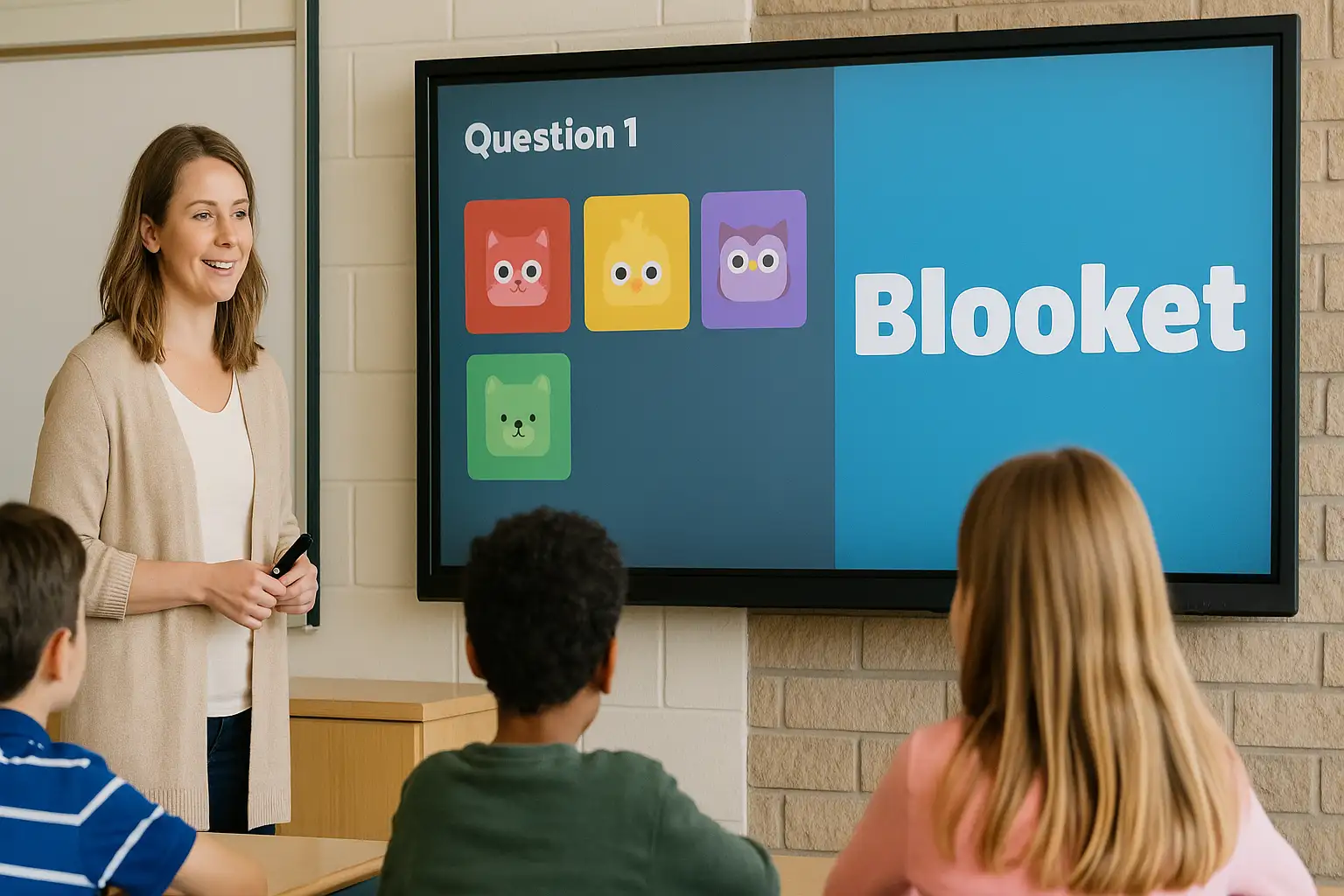
In today’s digital classroom environment, interactive learning platforms are transforming the way students engage with educational content. Among the most exciting and widely adopted tools is Blooket, a gamified quiz-based learning system that combines knowledge reinforcement with competitive gameplay.
We provide a comprehensive, step-by-step guide to Blooket login, gameplay mechanics, hosting sessions, joining games, and mastering winning strategies. Whether you are a student, teacher, or parent, this guide delivers everything needed to navigate Blooket efficiently.
What Is Blooket?
Blooket is an online educational platform that turns traditional quizzes into engaging multiplayer games. Teachers create or select question sets, then host live sessions where students compete in various game modes.
Unlike static learning tools, Blooket integrates:
-
Gamification mechanics
-
Real-time competition
-
Rewards and collectibles (“Blooks”)
-
Interactive classroom participation
The result is a learning experience that feels more like a game than a test.
How to Login to Blooket
Accessing Blooket is quick and simple. Follow these steps carefully.
Step 1: Visit the Official Website
Go to the official website of Blooket.
Step 2: Click “Login”
Locate the Login button in the top-right corner of the homepage.
Step 3: Choose Your Login Method
You can log in using:
-
Google Account
-
Email and Password
Students typically use Google accounts for faster access.
Step 4: Access Your Dashboard
After logging in, you will see:
-
Your dashboard
-
Saved question sets
-
Game history
-
Assigned homework (if applicable)
How to Join a Blooket Game (For Students)
Joining a live session is straightforward.
-
Ask your teacher for the Game ID.
-
Go to the Blooket homepage.
-
Click “Join a Game.”
-
Enter the Game ID code.
-
Choose a nickname.
-
Select your Blook character (“Blook”).
-
Start playing.
No account is required to join a hosted game unless specified by the teacher.
How to Host a Blooket Game (For Teachers)
Teachers can create highly engaging classroom sessions.
Step 1: Select a Question Set
You may:
-
Create your own set.
-
Import questions.
-
Search public question banks.
Step 2: Choose a Game Mode
Blooket offers multiple modes, including:
-
Gold Quest
-
Tower Defense
-
Crypto Hack
-
Cafe
-
Battle Royale
-
Factory
Each mode changes how students earn points.
Step 3: Customize Game Settings
Adjust:
-
Time limits
-
Randomization
-
Power-ups
-
Student limits
Step 4: Generate Game Code
Share the Game ID with students.
Step 5: Launch the Game
Monitor progress in real time and view performance analytics.
Popular Blooket Game Modes Explained

Gold Quest
Students answer questions to earn gold and steal from competitors.
Tower Defense
Correct answers allow players to build towers and defend against enemies.
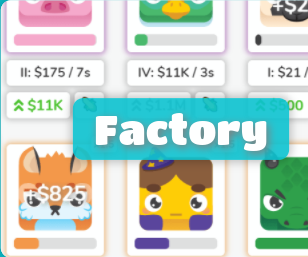
Factory
Players generate income by answering questions correctly.
Battle Royale
Students compete head-to-head in elimination rounds.
Each mode maintains the core educational structure while offering a unique gameplay style.
Creating and Managing Question Sets
High-quality question sets improve engagement and learning retention.
How to Create a Question Set
-
Click “Create”
-
Add a title and description.
-
Enter questions and answer options.
-
Select correct answers.
-
Save and publish.
Tips for Better Question Sets
-
Use concise wording.
-
Mix difficulty levels.
-
Include images when relevant.
-
Avoid ambiguous phrasing.
Well-designed question sets significantly enhance gameplay experience.
Blooket Homework Mode
Teachers can assign homework for asynchronous play.
Features Include:
-
Deadline setting
-
Automatic grading
-
Student progress tracking
-
Individual performance reports
This feature allows continued engagement beyond classroom hours.
Understanding Blooks and Rewards
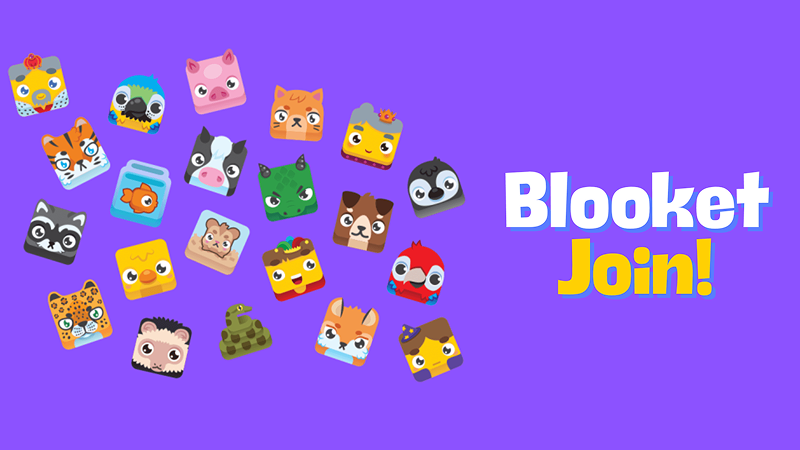
“Blooks” are collectible avatars students unlock using in-game rewards.
Types of Blooks:
-
Common
-
Uncommon
-
Rare
-
Epic
-
Legendary
-
Chroma (Ultra Rare)
Students earn tokens through gameplay and use them to unlock mystery boxes containing new characters.
Collectibles increase motivation and engagement.
Troubleshooting Blooket Login Issues
Common problems and solutions:
Forgot Password
Use the “Forgot Password” link on the login page.
Invalid Game Code
Double-check the code with the host teacher.
Game Not Loading
-
Refresh browser.
-
Clear cache.
-
Check internet connection.
-
Try a different browser.
Most login issues are resolved quickly with these steps.
Tips to Win More Games on Blooket
Winning requires more than speed.
Focus on Accuracy
Incorrect answers slow progress.
Balance Speed and Precision
Quick responses matter, but wrong answers reduce advantages.
Study Frequently Asked Questions
Teachers often reuse sets for review.
Understand Game Mode Strategy
Each mode requires a different approach:
-
In Gold Quest, manage risk.
-
In Tower Defense, build strategically.
-
In Factory, optimize upgrades.
Strategic thinking outperforms random guessing.
Why Blooket Is Effective for Learning
Blooket enhances:
-
Knowledge retention
-
Classroom participation
-
Friendly competition
-
Student motivation
-
Performance tracking
Gamification increases engagement while maintaining educational integrity.
Is Blooket Safe for Students?
Blooket is widely used in schools and includes:
-
Teacher-controlled sessions
-
Nickname filters
-
No open chat features
-
Account privacy options
Parents and educators appreciate its structured environment.
Final Thoughts on Navigating Blooket
Blooket successfully combines education with entertainment. Its intuitive login process, diverse game modes, and interactive features make it one of the most powerful classroom engagement tools available today.
By understanding how to login, join games, host sessions, and apply strategic gameplay techniques, users can maximize both learning outcomes and enjoyment.
Whether you are a teacher designing dynamic lessons or a student competing for legendary Blooks, mastering Blooket opens the door to a smarter, more engaging way to learn.